
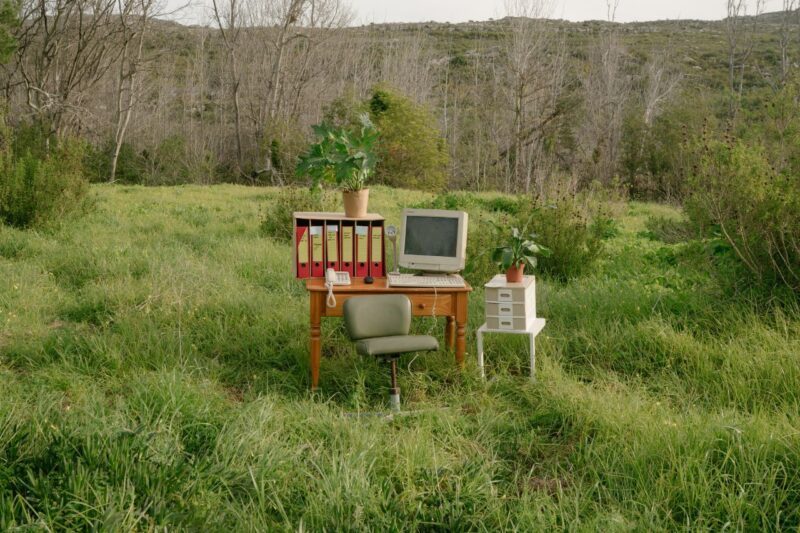
Working remotely while traveling may sound exciting, but without the right setup, it can quickly become stressful and unproductive. From reliable internet and portable work essentials to creating a comfortable workspace anywhere in the world, having a proper remote office setup can make a huge difference in helping Filipino digital nomads stay productive, organized, and balanced while traveling long term.
Why Having the Right Remote Office Setup Matters
I quickly realized that consistently producing quality work is tough without a dedicated workspace. When you’re frequently changing locations, it’s easy to get distracted – new sights to see, locals to meet, delicacies to try, and sometimes even noisy neighbors in hostels. You’ll feel you’re one of the tourists even while working. Having a solid remote office setup helps you:
- Stay Focused: A mini work environment keeps your brain in “work mode,” even if you’re in a tiny Airbnb or a crowded café. You’ll also have reliable internet connection that only you can use.
- Maintain Professionalism: Clients and colleagues expect you to handle deadlines and video calls seamlessly. A stable setup means fewer technical hiccups and fewer frantic apologies.
- Boost Health & Well-Being: Ergonomics matter! Sitting hunched over a laptop can lead to neck and back pain – use a neck pillow if necessary. Organizing your space properly reduces stress and keeps you comfortable.
- Keep Things Organized: When you know exactly where your chargers, cables, and files are, you can spend less time searching and more time exploring.
By treating your remote office setup as a priority, you’ll find it easier to juggle both your work responsibilities and the joys of travel.
1. Choose the Right Equipment
a. Laptop or Tablet
My Setup: I rely heavily on my laptop for most of my work (email, video calls, writing), and I made sure to get one with decent RAM (8GB or more) and an SSD for quick boot-ups. Trust me, nothing’s worse than your device lagging in the middle of a client meeting.
- Laptop: Look for a lightweight model if you’re always on the move. Aim for 8+ hours of battery life in case you’re working from a café without many outlets.
- Tablet with Keyboard: If most of your tasks revolve around emails, social media scheduling, or basic writing, a tablet paired with a keyboard case might be enough. It’s super light and easy to stash in a small daypack.
b. Portable Monitor
A portable, lightweight monitor has been a lifesaver when I need more screen real estate – like editing multiple spreadsheets or designing visuals. It folds away neatly into my backpack and can be powered via USB.
Pro Tip: Make sure the monitor’s brightness is adjustable, especially if you’re working in varying light conditions (like sunny co-working spaces one day and dimly lit hotels the next).
c. Accessories
- Noise-Canceling Headphones: Perfect for Zoom calls in noisy hostels or airports.
- Travel-Friendly Mouse: A compact wireless mouse reduces wrist strain compared to using only a trackpad.
- Universal Power Adapter: I’ve learned this the hard way – having one universal adapter with multiple USB ports is a must.
2. Creating a Productive Workspace in Small Accommodations
a. Scout Your Space
When I’m booking accommodations, I try to check photos or reviews to see if there’s a decent table or desk. Sometimes it’s just a tiny corner, but if it has enough room for my laptop, I’m good to go.
If There’s No Desk: Get creative! I’ve used windowsills, the foot of the bed, or even a sturdy chair as a makeshift desk. Stack a couple of pillows if you need a little extra height.
b. Lighting & Ergonomics
I’ve worked in some pretty dim corners, so I pack a small ring light or LED lamp to brighten things up. This also helps with video calls, so clients can see my face clearly.
- Lumbar Support: My back started hurting when I spent months working hunched over tiny café tables. Now, I bring a small, inflatable back cushion or use a rolled-up towel behind my lower back. It makes a world of difference.
c. Noise Management
If you’re bunking with roommates in a hostel, it’s worth investing in good earplugs or noise-canceling headphones. I’ll also schedule important calls during quieter hours or book a private space at a coworking center if needed.
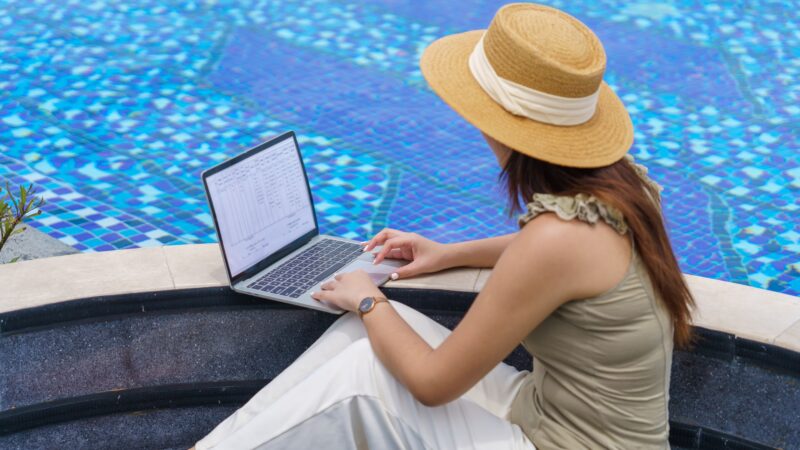
3. Staying Organized on the Move
a. Digital Tools
- Cloud Storage: Whether it’s Google Drive or Dropbox, I keep all my documents in the cloud. This way, if my laptop goes kaput (which I hope never happens), I can still access my files. Having an external drive also helps me feel secured.
- Project Management Apps: Trello and Notion are my absolute must-haves. They help me track tasks, client deadlines, and even travel itineraries all in one place.
b. Packing Cubes & Gadget Organizers
I’ve lost count of how many times a tangled charger in my backpack caused me delays. Now, I keep all my cables, chargers, and smaller electronics in a dedicated gadget organizer. It speeds up packing and ensures I’m never scrambling to find a USB cable at 2 AM.
c. Work “Zones”
One trick I’ve learned is to create small “zones” even in a single room. One side is for work – laptop, notepads, headphones, power bank, travel adapter. The other side is for relaxing – books, flip flops, snacks, neck fan, blanket, footrest, eye mask, maybe a yoga mat. Mentally separating my workspace from my chill space keeps me focused and helps me unwind after hours.
4. Bonus Tips & Tricks
a. Test Your Internet
I always do a quick speed test before settling down to work. If the wifi is spotty, I’ll consider using my pocket Wi-Fi or local SIM card as a backup.
b. Join Coworking Spaces (or Give Them a Try)
Coworking spots can be a godsend – reliable Wi-Fi, ergonomic chairs, and plenty of networking opportunities with fellow remote workers. If my Airbnb is too cramped or the Wi-Fi is iffy, I’ll buy a day pass at a local coworking space. It’s a nice change of scenery, too.
c. Mind Your Health
A makeshift office can sometimes encourage a sedentary lifestyle. I make sure to stretch every hour or go for a quick walk after a couple of hours of work. Staying healthy is essential for productivity!
Why a Proper Remote Office Setup Matters
Building a reliable remote office setup as a Filipino digital nomad is about creating a balance between productivity, comfort, and flexibility while traveling. With the right tools, dependable internet, and a workspace that supports your daily routine, it becomes much easier to manage deadlines, reduce stress, and enjoy the freedom that comes with working remotely.
Whether you are working from a café in Metro Manila, a beach destination in Southeast Asia, or a coworking space abroad, being prepared can help make long term travel and remote work far more sustainable. A well planned setup also allows you to stay organized, maintain work life balance, and adapt more easily to different environments while traveling.
At the end of the day, investing in a proper remote office setup is really an investment in your productivity, well being, and overall digital nomad experience.
Disclaimer: These tips are based on my personal experiences; adapt them to fit your own travel and work style.
FAQ
The Telecommuting Act of 2019, otherwise known as Republic Act No. 11165, governs remote work that uses telecommunication and computer technologies in the Philippines. This law highlights fair treatment and data privacy when adopting work-from-home (WFH) arrangements.
Which Is Better, an LLC or an S Corp? An LLC is a business structure where taxes are passed through to the owners. An S corporation is a business tax election in which an established corporation passes taxable income to shareholders. Which is better depends on the circumstances.
E-commerce is a category of business that involves buying and selling products or services online through electronic means, such as websites, mobile apps, or other digital platforms. It can include a wide range of businesses, from small online stores to large retailers and marketplaces.